
Choosing the right PC case is an important step when building a powerful gaming computer. The NVIDIA GeForce RTX 5090 is a high-performance graphics card with substantial cooling and space requirements, so not every computer case can accommodate it. If you plan to search for rtx 5090 buy in dubai, you should check the graphics card's dimensions, the case's GPU clearance, cooling capacity, and power supply compatibility before making a purchase. 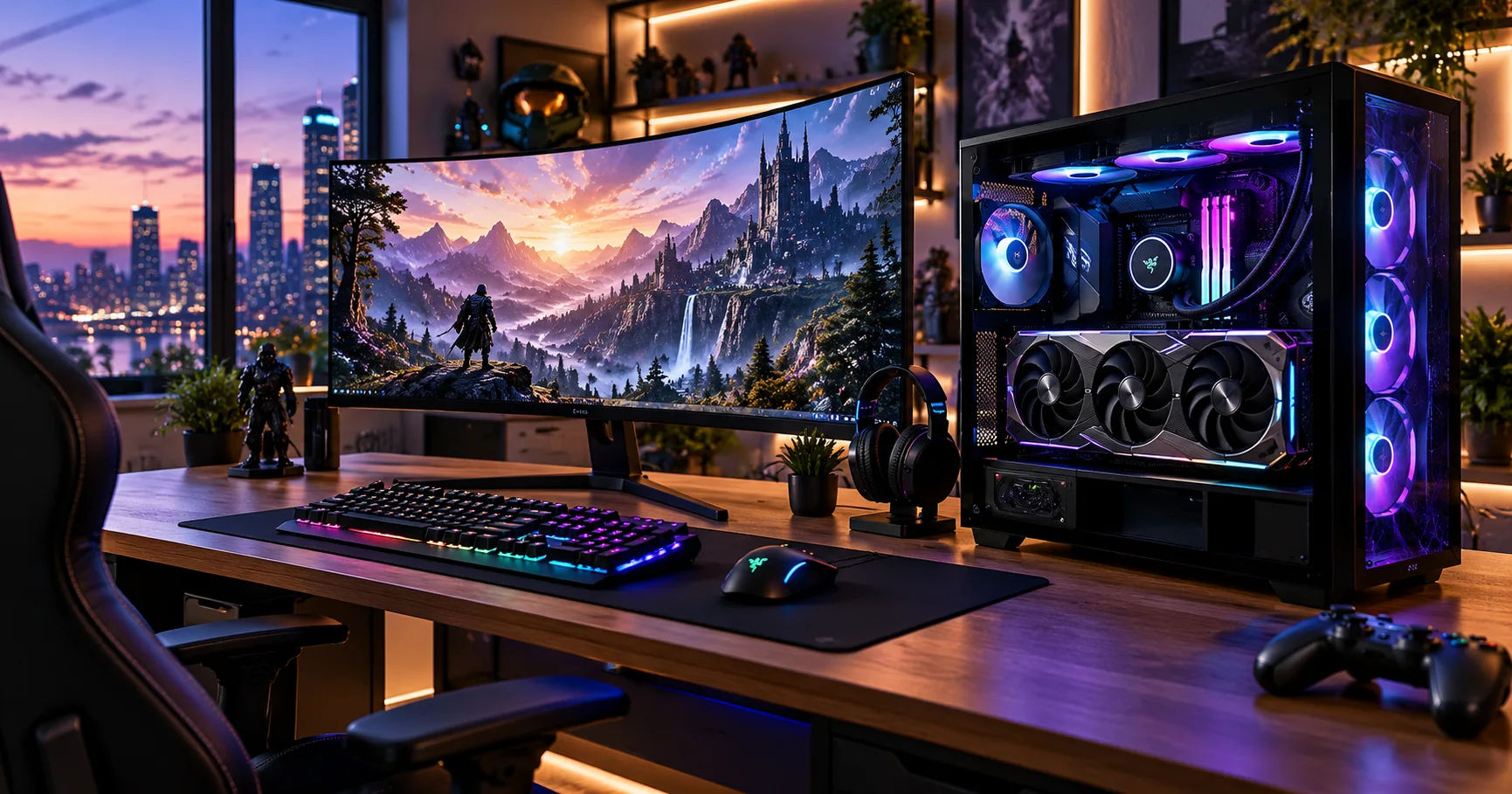 The right case does more than hold your graphics card. It helps maintain safe operating temperatures, provides room for cable management, supports future upgrades, and makes your gaming setup easier to maintain. A suitable case also prevents problems during installation, such as a graphics card touching a front radiator or blocking important motherboard connections.
When looking for rtx 5090 buy in dubai, remember that the graphics card's physical size depends on the manufacturer and specific model. NVIDIA Founders Edition cards and third-party versions from brands such as ASUS, MSI, and Gigabyte can have different dimensions. Your case must fit the exact model you intend to purchase, rather than relying on the RTX 5090 name alone.
This comprehensive guide explains which case sizes work best, how to measure available space, what cooling features to prioritize, and how to choose a compatible case from Dubai's computer hardware market.
The Physical Size of the RTX 5090
Before selecting a PC case, it helps to understand why the RTX 5090 requires careful planning. It is a large, powerful graphics card designed for demanding gaming, professional rendering, artificial intelligence workloads, and other graphics-intensive applications.
Its dimensions can affect nearly every part of a computer build, including the case, cooling system, power supply, and cable arrangement.
How Large Is an RTX 5090?
The standard NVIDIA GeForce RTX 5090 Founders Edition measures approximately:
-
Length: 304 mm
-
Height: 137 mm
-
Thickness: 2 slots
These measurements apply to the Founders Edition, not every RTX 5090 available on the market. Many third-party models are thicker, longer, or taller because of their custom heatsinks and cooling systems.
Some partner models may extend beyond 330 mm in length and occupy three or more expansion slots. Always check the official specification sheet for your chosen graphics card before purchasing a case.
Why Dimensions Matter
A case may advertise compatibility with large graphics cards but still be unsuitable for your particular build. For example, a case with 350 mm of GPU clearance might fit a 330 mm graphics card when no front radiator is installed.
However, adding a front-mounted radiator and fans can reduce the available space. This could leave insufficient room for the graphics card even though the case initially appeared compatible.
The same issue can occur with thick graphics cards that cover several expansion slots or require additional space for the power connector.
Which PC Case Size Is Best for an RTX 5090?
The best case size depends on your graphics card model, motherboard, cooling arrangement, and available desk space. In most builds, a spacious mid-tower or full-tower case is a sensible starting point.
Mid-Tower Cases
A spacious ATX mid-tower is suitable for many RTX 5090 configurations. These cases usually support standard ATX motherboards and provide enough room for large graphics cards, multiple fans, and liquid-cooling systems.
However, mid-tower cases vary considerably in their internal dimensions. Some compact designs prioritize a small footprint, while others offer generous GPU clearance and room for large radiators.
Look for a mid-tower with at least 350 mm of GPU clearance as an initial target. More room is preferable, particularly if you intend to install a large third-party card or a front-mounted radiator.
Best for: Gamers who want a powerful computer without the size and weight of a full-tower case.
Full-Tower Cases
A full-tower case offers more internal space and greater flexibility for complex builds. It is a strong choice for users who want extensive cooling, multiple storage drives, custom liquid cooling, or future hardware upgrades.
These cases often provide greater clearance for long graphics cards and thicker cooling systems. Their larger interiors also make cable management easier, although the exact benefits depend on the design.
The main disadvantages are their higher prices, larger footprints, and greater weight. Measure your desk or floor space before choosing one.
Best for: Enthusiasts building premium gaming workstations or systems with extensive cooling requirements.
Compact and Small-Form-Factor Cases
Small-form-factor cases are generally the most challenging option for an RTX 5090. Some specialized models support powerful graphics cards, but their compatibility depends on exact card dimensions, motherboard layout, and cooling design.
A compact case may have enough nominal GPU length but insufficient width for a thick card or its power cable. It may also restrict airflow around the graphics card.
Choose a small case only when its manufacturer explicitly supports your exact GPU dimensions and power connector arrangement.
Best for: Experienced builders who specifically need a compact computer and are prepared to verify every compatibility detail.
Important Case Specifications to Check Before Buying
The case's overall label—mid-tower or full-tower—is less important than its actual internal measurements. Two cases in the same category can offer very different levels of compatibility.
Maximum GPU Clearance
GPU clearance is the maximum graphics card length that a case can accommodate under specified installation conditions.
For an RTX 5090, use these guidelines when comparing cases:
|
GPU length |
Suggested approach |
|---|---|
|
Up to 304 mm |
Many cases may fit, subject to thickness and cable clearance |
|
305–330 mm |
Look for a spacious mid-tower or full-tower |
|
331–360 mm |
Check larger mid-towers and full-towers carefully |
|
Above 360 mm |
Verify the manufacturer's exact clearance specifications |
These are practical screening ranges, not official RTX 5090 compatibility standards. The card's height, thickness, and connector position also matter.
Ideally, leave some extra room beyond the graphics card's stated length. Additional clearance can make installation easier and provide flexibility if you change your cooling configuration later.
GPU Thickness and Expansion Slots
Graphics cards occupy space across the motherboard's expansion slots. Many high-end RTX 5090 models use a thick cooler that extends across three or more slots.
Check the case's expansion-slot layout and the space available around the motherboard. You should also consider whether the graphics card will block other PCIe slots that you intend to use for networking, storage, or capture cards.
A vertical GPU mount is another possibility, but it requires the correct bracket and enough clearance between the card and the side panel. Some vertical mounts can restrict airflow if the fans sit too close to the glass.
Graphics Card Height and Power Cable Clearance
Graphics card height is especially important because the power connector may sit along the upper edge of the card. The power cable needs enough room to connect safely without being forced sharply against the side panel.
Check the GPU manufacturer's cable-routing instructions and the power connector's clearance requirements. Do not assume that a card will fit simply because its metal bracket lines up with the case.
Avoid sharply bending the cable immediately next to the connector or closing the side panel against it. A tight installation can place unnecessary stress on the connector and cable.
Cooling Requirements for an RTX 5090
A powerful graphics card generates considerable heat during demanding games and rendering workloads. A suitable case must allow that heat to escape rather than trapping warm air inside the system.
Choose a Case With Strong Airflow
Airflow-focused cases typically feature a mesh front panel, unobstructed fan openings, and enough space for several intake and exhaust fans.
A practical configuration is to install front or side intake fans that bring cool air into the case, with rear and top exhaust fans that remove warm air.
The exact arrangement depends on the case's design and the other components in your build. A good cooling layout should supply fresh air to the graphics card while preventing hot air from accumulating around the CPU and motherboard.
How Many Fans Do You Need?
There is no universal fan count that guarantees suitable RTX 5090 temperatures. Three quality intake fans and one or two exhaust fans can be a useful starting point for a spacious case, provided the airflow path is effective.
More fans do not automatically mean better cooling. Fan quality, radiator placement, case ventilation, and the balance between intake and exhaust all matter.
Choose fans that provide suitable airflow and noise levels. You can also adjust their speeds through the motherboard's fan-control software to balance cooling performance with quieter operation.
Can You Use Liquid Cooling?
Yes. An RTX 5090 can be installed in a system with liquid cooling for the CPU, while the graphics card uses its own air cooler. Some specialized graphics card models also support liquid-cooling configurations.
Before buying a case, confirm the radiator sizes it supports and where those radiators can be installed. A front radiator can reduce GPU clearance, while a top-mounted radiator may affect motherboard or memory clearance.
If you are using a custom liquid-cooling loop, allow extra space for the pump, reservoir, tubing, and radiator thickness. Such builds often benefit from a full-tower case.
Recommended PC Case Features for Dubai Buyers
When shopping for rtx 5090 buy in dubai, consider the local climate and the conditions in which your computer will operate. Dubai's outdoor temperatures can become extremely high, and the cooling environment inside a room depends heavily on air conditioning, ventilation, and dust management.
Dust Filters and Easy Maintenance
Dust can accumulate on fan blades, heatsinks, and filters, reducing airflow over time. A case with removable dust filters makes routine cleaning easier.
Front, bottom, and top filters can be useful, although the ideal arrangement depends on the fan layout. Clean the filters regularly and ensure the computer has adequate ventilation.
If you keep your PC in a room with an air conditioner, avoid placing it where the case's intake is blocked by furniture or curtains. The goal is to supply the system with reasonably cool, unobstructed air.
Mesh Panels and Ventilation
A mesh front panel can improve airflow compared with a heavily restricted front panel. This is particularly useful when the graphics card and CPU are producing substantial heat during long gaming sessions.
Tempered-glass panels can look attractive, but appearance should not come at the expense of ventilation. Look for cases that combine a clean design with practical intake openings and accessible fan mounts.
Build Quality and Cable Management
A premium graphics card is heavy, so the case should have a sturdy frame and secure expansion-slot mounting points. A GPU support bracket can help prevent sagging, especially with long, thick models.
Good cable-management space behind the motherboard tray helps keep power cables away from fans and improves the appearance of the finished build. Check that the case provides sufficient room for the power supply and its cables as well.
Choosing a Suitable Case When Shopping in Dubai
Dubai offers a range of computer hardware retailers, online stores, and custom PC-building services. However, stock, prices, and warranty arrangements can change, so compare the specifications of the actual products being offered.
Verify the Exact Graphics Card Model
Search for the complete graphics card name, including its manufacturer and model suffix. For example, two RTX 5090 cards from different manufacturers may have noticeably different dimensions.
Ask the retailer for the official product specification sheet if the dimensions are missing from the listing. You should also confirm whether the graphics card is in stock and whether the stated warranty applies in the UAE.
When planning an rtx 5090 buy in dubai purchase, do not rely on a product photograph to estimate its size. A photograph cannot reliably show the clearance needed for the connector or a front-mounted radiator.
Compare Cases by Their Published Specifications
Instead of comparing only prices or appearance, create a shortlist of cases and record their maximum GPU length, expansion-slot capacity, radiator support, and motherboard compatibility.
A case that costs slightly more may be a better investment if it offers improved airflow, easier maintenance, and enough room for future upgrades.
Check whether the case includes fans. Some models come with several preinstalled fans, while others require you to purchase them separately.
Confirm Local Warranty and Return Policies
Computer components can be expensive, especially when building a high-end gaming system. Before completing your purchase, check the return policy for incompatible or unopened products and confirm the terms of the manufacturer's or retailer's warranty.
If you are purchasing the graphics card and case from different sellers, make sure you have the exact model numbers for both. This will make it easier to confirm compatibility before opening the products.
Power Supply and Motherboard Compatibility
The case is only one part of a successful RTX 5090 build. You must also ensure that the power supply, motherboard, and other components fit and operate correctly.
Select a Suitable Power Supply
The RTX 5090 Founders Edition has a total graphics power rating of approximately 575 watts. NVIDIA specifies a 1,000-watt system power supply recommendation for its Founders Edition, although the requirements of individual systems can vary.
Choose a reputable power supply that meets the graphics card manufacturer's recommendations. A high-quality ATX 3.1 power supply with a suitable native 12V-2×6 cable can simplify installation, provided it meets the requirements of your specific card.
Check the case's maximum power supply length and cable-routing space before purchasing. A large power supply with stiff cables can be difficult to install in a compact case.
Check Motherboard Compatibility
Most standard ATX mid-tower and full-tower cases support ATX motherboards, but you should still check the case specification.
Confirm the motherboard's form factor, available PCIe slot space, and compatibility with your cooling hardware. A large graphics card may cover nearby connectors or make certain components harder to access.
If you are building a new computer, check the compatibility of the CPU cooler, RAM, storage drives, and graphics card together rather than considering each component separately.
Common Mistakes to Avoid
When planning an rtx 5090 buy in dubai build, avoid these common mistakes:
-
Buying a case based only on its name: A mid-tower is not automatically large enough, and a full-tower is not automatically compatible.
-
Ignoring radiator clearance: Front-mounted cooling hardware can reduce the room available for the graphics card.
-
Forgetting power cable space: The card must fit without forcing the connector or sharply bending its cable.
-
Choosing appearance over airflow: Restricted ventilation can increase component temperatures and fan noise.
-
Overlooking the GPU's weight: Use secure mounting points and a suitable support bracket when necessary.
-
Ignoring desk space: Large cases can be difficult to position in smaller rooms or under desks.
-
Failing to check the return policy: Verify compatibility before opening expensive hardware.
A little research before purchasing can prevent unnecessary expenses and save considerable time during assembly.
Conclusion
Choosing the right case for an RTX 5090 is about more than selecting a large enclosure. You need enough room for the exact graphics card, sufficient clearance for its power cable, an effective cooling arrangement, and a compatible power supply and motherboard.
For most users, a spacious ATX mid-tower is a practical choice if its published specifications confirm compatibility with the selected graphics card. A full-tower is worth considering if you want more room for radiators, custom liquid cooling, additional storage, and future upgrades. Compact cases should be considered only when their dimensions and layout have been carefully verified.
Cooling deserves particular attention when building a powerful gaming PC in Dubai. Choose a case with good airflow, accessible dust filters, and enough fan-mounting options to keep the system operating effectively in your room's conditions.
Before completing an rtx 5090 buy in dubai purchase, confirm the precise GPU model, maximum supported graphics card length, card thickness, connector clearance, radiator placement, and local warranty terms. Compare these specifications with the case manufacturer's official documentation rather than relying solely on product descriptions.
The best case is ultimately the one that fits every component comfortably, maintains effective airflow, and suits your budget and available space. With careful planning, you can build a reliable, high-performance computer that takes full advantage of the RTX 5090 without compromising cooling, installation, or future upgrade options.